Video in. A measured 3D record out.
TRACE turns site video and photos into a measured, dated 3D record your teams can search, replay and dispatch from. It connects reality capture with site documentation: selected frames become placed cameras, and the sources stay on file for inspection.
Start with a phone walkthrough.

A video to 3D building model workflow starts with phone or action-camera footage; OSV is a supported 360 source. Uploads attach to a visit whose date a person chooses.
TRACE selects sharp seed frames across clips. 360 observations are sliced into perspective views before solving or training, preserving their source identity and camera grouping.
Position cameras. Train the record.

COLMAP/hglomap builds the structure-from-motion map and estimates camera poses. Remaining keyframes are registered against the seed map; placement failures are reported.
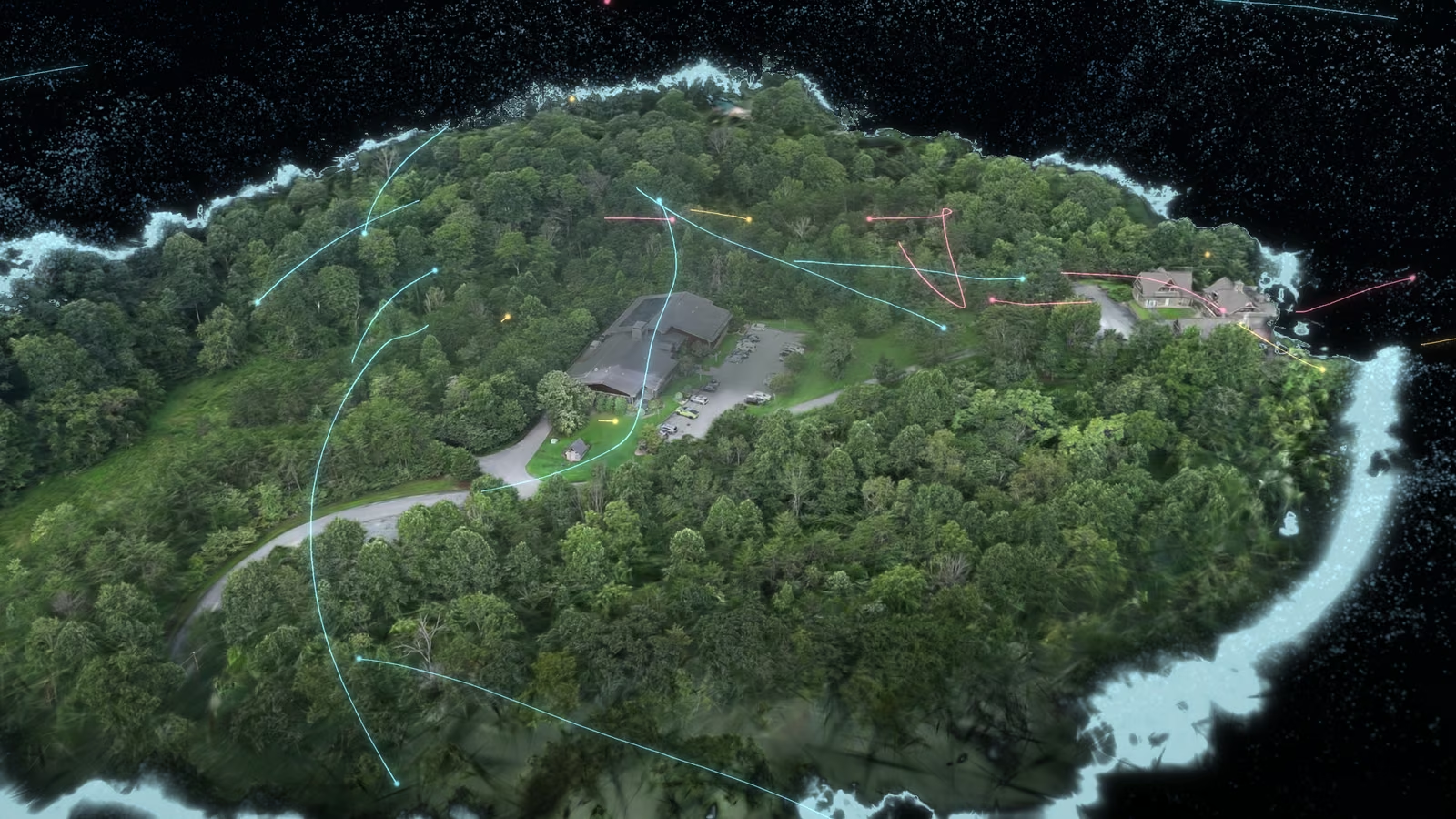
LichtFeld trains the Gaussian representation. Record acceptance checks held-out score documents, per-view results and split consistency, while visual inspection exposes defects that an average can hide.
Open the record in a browser.

A verified SOG rendition compresses the Gaussian Record for browser delivery through the PlayCanvas viewer. The accepted PLY remains its identity; SOG is a serving copy.
Rendering depends on browser and device resources. Camera-path playback needs a verified relationship between the footage, source times and the Record’s frame.
Return to the same viewpoint.

Each site has one reference. TRACE measures how each new visit lines up with it, and a person accepts or rejects the match.
Once accepted, visits from different dates open from the same camera. Automatic acceptance is Planned.
Ask questions, with sources attached.

Ask a question about a site, and the answer cites the footage it came from. Search a spot or a time range, or search for an object within one visit. Search across every visit is Planned.
Tickets can retain a pin, Visit, clip moment and Finding links. Autonomous monitoring, Finding and Ticket creation, and completion verification are Planned.
Keep control of your site history.
Only people you invite can see your sites. Owners can export a site with its visits and tickets at any time.
Record downloads are separate authenticated references; Site threads and an interactive viewer are excluded. A request for access never creates an Account.
Questions, answered.
Does TRACE position every video frame?
TRACE places sharp keyframes from the video and draws the camera path through them.
How does a record open in the browser?
Records open in the PlayCanvas viewer as compressed SOG files. Large records need a capable device.
Measurement receiptCapabilities JSONFor agents
Request early access